Team and Project Operations
Manage teams, projects, invitations, and access.
#Team and Project Operations
Teams and projects are how you keep your mAIvn work organized: a team is your company or customer account (and who pays the bills), and projects are the separate buckets of work inside it, typically one per product or service. This guide covers the day-to-day moves: creating these containers, inviting people, setting roles, and finding your way around the portal.
#Teams
Teams define billing ownership and team-level access.
Typical flow:
- Create a team.
- Invite members.
- Assign role (
owner,admin,member,viewer). - Create projects under that team.
#Role Guidance
owner: full control including destructive operations.admin: team and billing management.member: day-to-day project operations.viewer: read-only access.
#Team Memory Management
Team settings include memory policy controls for teams using long-running context:
- enable/disable team-level memory features
- set persistence ceiling (
persist_none,vector_only,vector_plus_graph) - set optional retention windows for vector and graph memory
- run explicit purge operations for team/project/session scopes
- manage destructive confirmation for purge workflows (
PURGE_MEMORY)
These controls are intended for governance and cost/security posture, while a per-invocation MemoryConfig can select narrower behavior within the organization ceiling.
Operational guidance:
- treat organization policy as the hard guardrail, and invocation memory config as a narrower override
- use lower memory levels (
none/glimpse) for cost-sensitive workloads - use higher levels (
focus/clarity) only for workloads that need persistent recall - use purge controls for lifecycle/compliance workflows
#Project Memory Operations
Projects include dedicated memory pages, listed in the sidebar in this order:
Memory Resources(/projects/{project_id}/memory/resources)Memory Skills(/projects/{project_id}/memory/skills)Memory Insights(/projects/{project_id}/memory/insights)
Use these pages to curate reusable memory assets and manage lifecycle state (create/update/bind/promote/delete/restore).
For full operational guidance, see Portal Memory Management.
#Projects
Projects are operational containers for API keys, webhooks, and usage attribution.
Each project includes:
- Name and status
- Team association
- API keys
- Webhooks
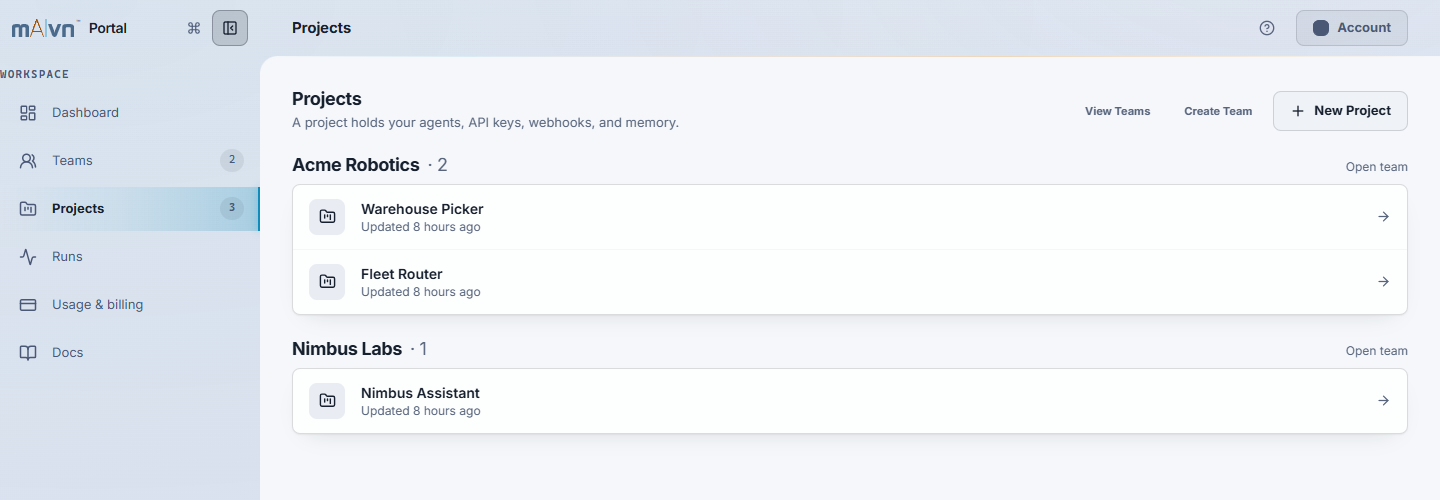
Current Portal interface with sample teams and projects.
#"Current" Navigation Behavior
Sidebar links like Current Project -> API Keys resolve to your most recently visited project.
If no prior project exists, the portal falls back to your first accessible project.
#Recommended Team Workflow
- Create one team per company or business unit.
- Create one project per product/service boundary.
- Keep production keys isolated to production projects.
- Use webhooks for automation and audit visibility.
#Find documentation
Search by the task you want to complete, then open a matching article. Source filters narrow the results to SDK, Portal, or Studio guidance.
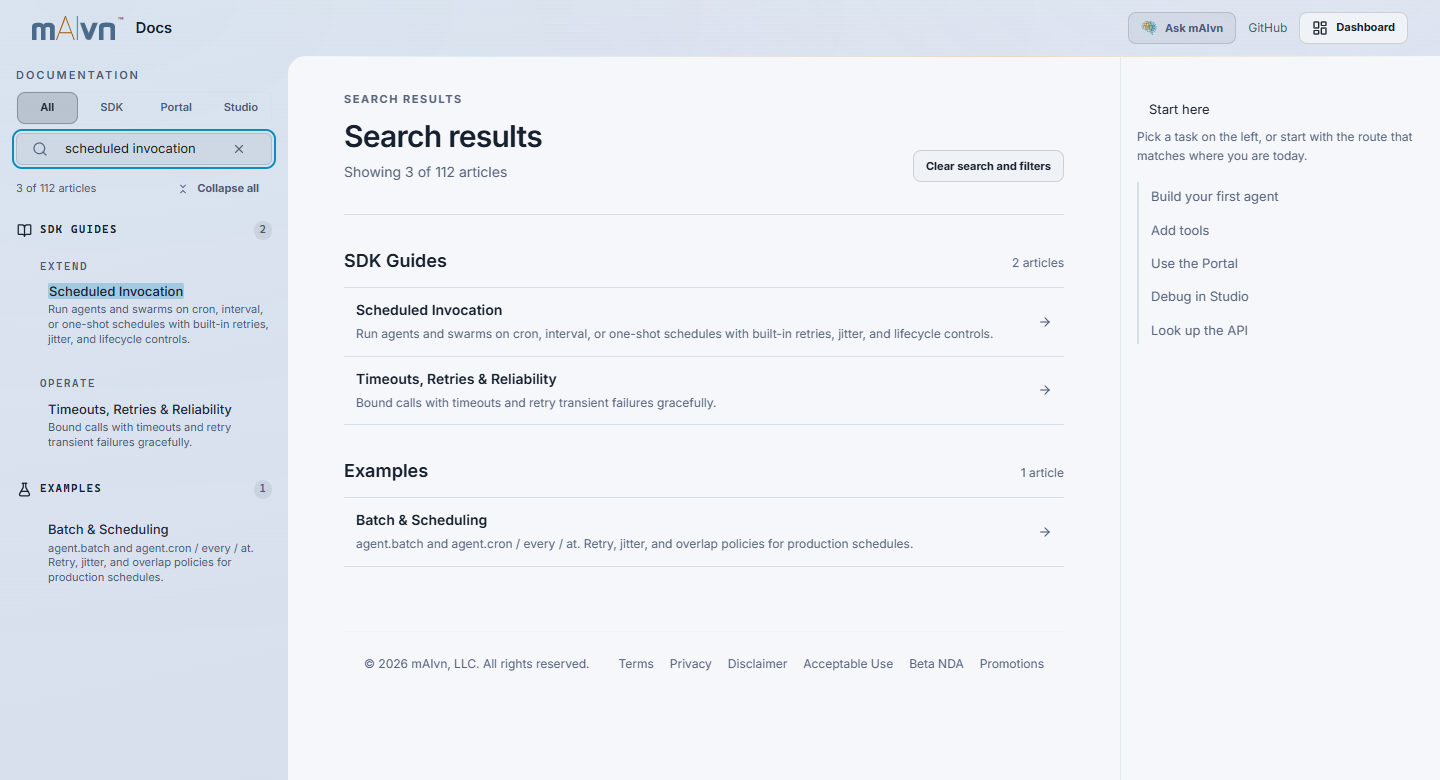
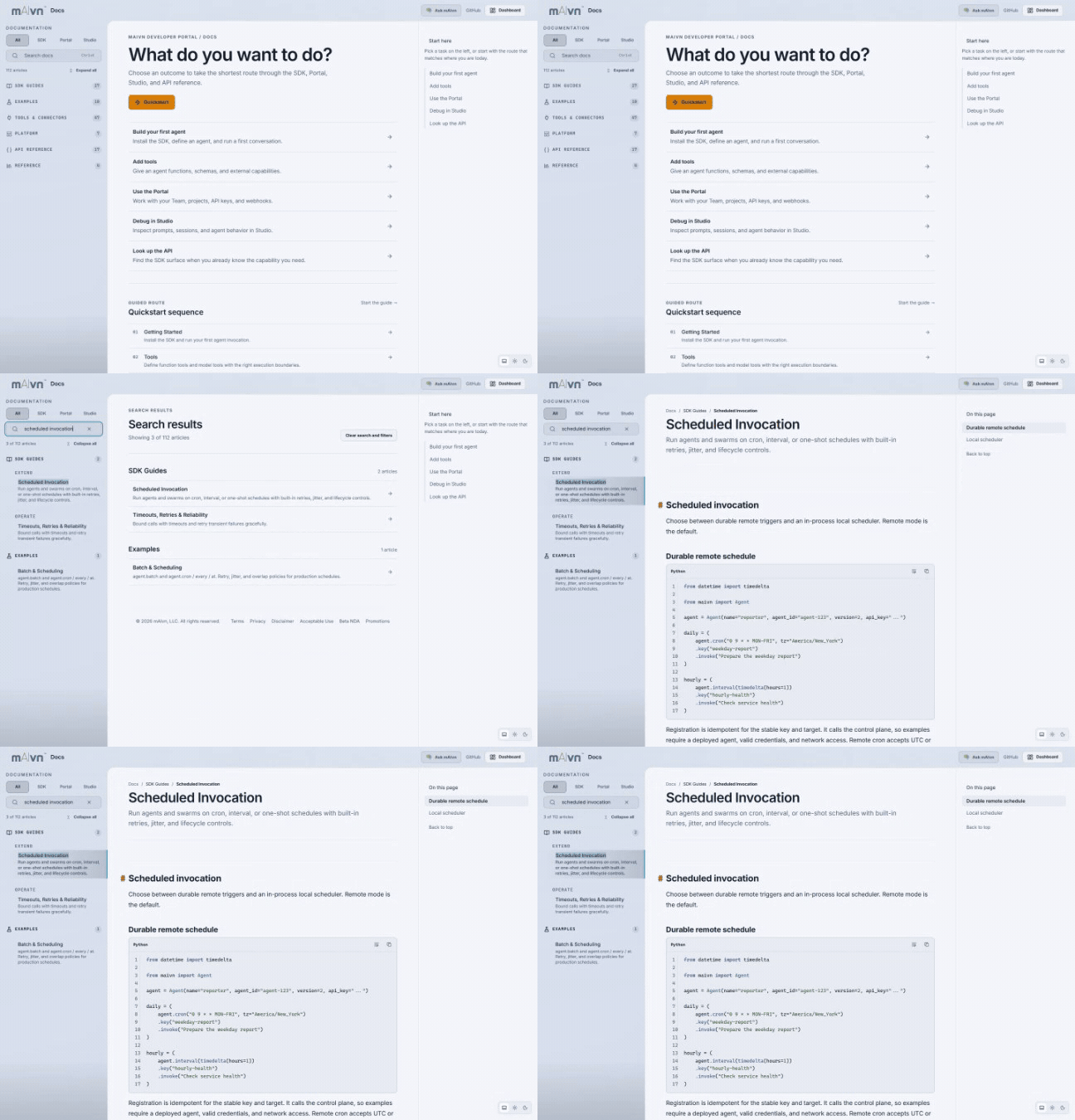
Watch the search walkthrough (animated GIF).
#Related
- API Keys and Webhooks — manage credentials and event callbacks within a project.
- Portal Memory Management — full operational guidance for memory policy and project memory pages.
- Portal Authentication — sign-in, sessions, and login troubleshooting.